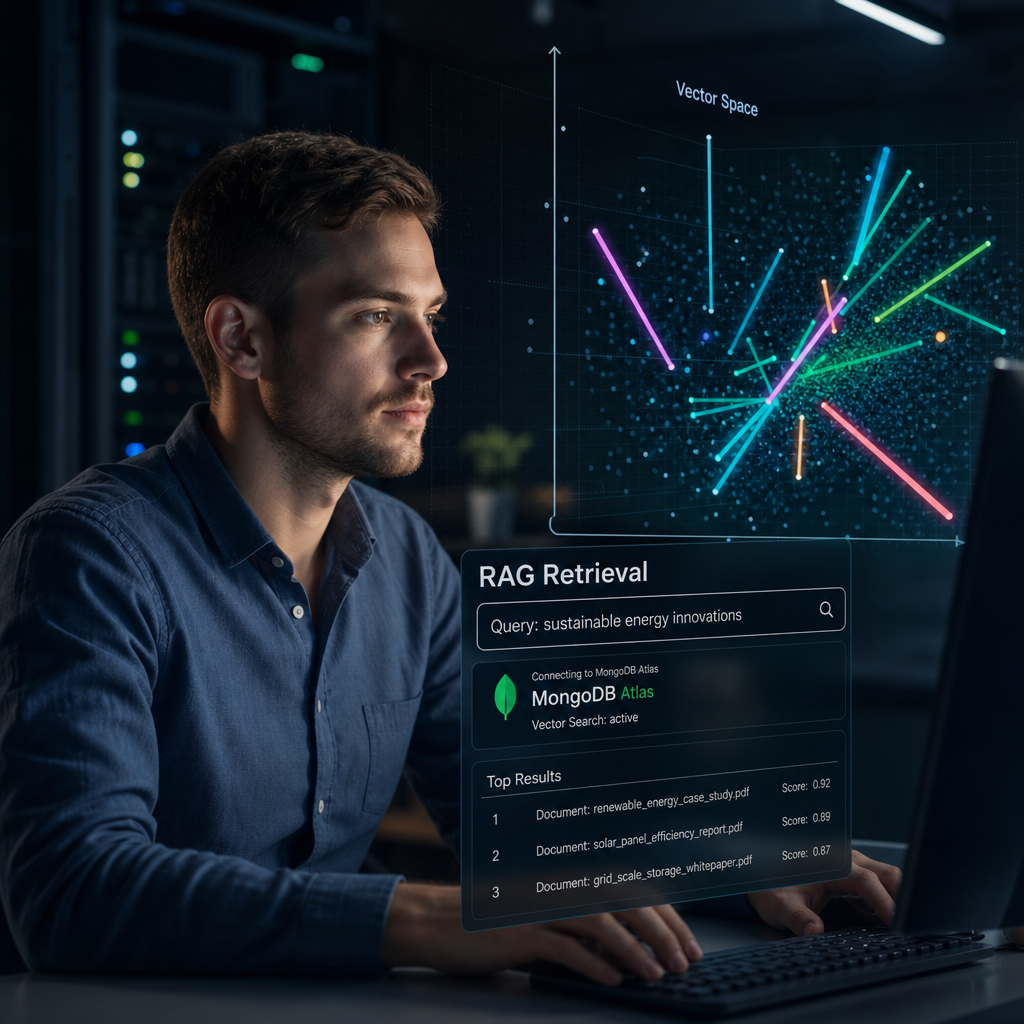
Most information systems can store large volumes of useful information. The challenge for me is quickly finding the right information when it is needed.
This is particularly true in a consulting or operational knowledge environment. Conversations contain decisions, documents contain technical details, and notes capture context that may be important months later. Traditional search helps when the user remembers the exact word or phrase. It is far less effective when they remember the idea, the problem, or the outcome.
After a steep learning curve, apLabs2 now addresses this through Retrieval-Augmented Generation (RAG): a semantic-search capability that enables AI agents to retrieve relevant information by meaning, not only by keywords.
This article explains why RAG was needed, the implementation decisions behind it, how it works in practical terms, and the boundaries that remain important.
What is RAG?
RAG stands for Retrieval-Augmented Generation.
In simple terms, it gives an AI assistant a disciplined way to find relevant information before answering a question.
Without RAG, an AI model answers using:
- The current conversation;
- Its general training knowledge; and
- Any information explicitly included in the prompt.
That can be useful, but it does not automatically give the model access to a user’s previous chats, project notes, or internal documents. Even where that information exists in the application database, it is not necessarily present in the AI model’s immediate context.
RAG closes this gap through a two-stage process:
- Retrieve relevant content from the user’s knowledge base.
- Augment the AI prompt with that retrieved content, allowing the model to use it when preparing an answer.
The result (in theory) is that the assistant can locate evidence from the knowledge base and use it to give a better grounded answer.
Why keyword search alone is not enough
Keyword search remains valuable. It is fast, understandable, and effective when the search term is distinctive.
For example, a search for “Ollama”, “MongoDB”, “LOTO”, or a product name may produce exactly the right result. apLabs2 retains conventional folder search for this purpose.
But users do not always remember the exact wording used in the original content. They may ask:
- “What did we decide about local AI model context limits?”
- “Find the discussion about reducing tool overload.”
- “Where did we discuss protecting production data from AI write actions?”
- “What were the conclusions about vector search on MongoDB Community Edition?”
Those questions may not contain the same words as the original chat, note, or document. A conventional substring search can miss relevant material even when the answer is already in the system.
Semantic search is designed for this situation. Rather than looking only for matching words, it compares the meaning of the query with the meaning of stored content.
This improves recall when people use different words to describe the same subject.
The core design decision: MongoDB Community Edition
The most important implementation decision was driven by my personal production environment.
apLabs2 uses a self-hosted MongoDB Community Edition database. This is a deliberate choice, supporting control, cost management, and a practical self-hosted architecture. However, MongoDB Community Edition does not provide the native vector-search capability available in MongoDB Atlas. I was not ready to take out another subscription until I had some experience with RAG and understood the value.
Many modern RAG examples assume a managed vector database or an Atlas deployment that can perform vector similarity ranking inside the database. That design would not work in this environment without introducing another platform or moving to a different MongoDB service tier. If you don’t know what a vector is, don’t worry. Think of it as a multidimensional representation of a chunk of text, floating around rather randomly in space. Given two vectors you can calculate the approximate distance between them, or in other words how closely they are related. This allows you to find similar vectors, which is basically the core of semantic search.
Rather than treating the lack of native vector suppor as a blocker, apLabs2 uses a simpler approach appropriate to its current scale:
- Store embeddings in MongoDB as ordinary data;
- Load the relevant candidate vectors into the application;
- Perform the similarity calculation in C#.
At the present corpus size, this is efficient and easy to operate. Folder-scoped searches load only the small relevant subset. Whole-database search uses an in-memory cache, avoiding repeated database reads for every query. After two years of chat history, my database is less than 200Mb, which easily fits in memory on a 6Gb host (in my case a simple Raspberry Pi 5).
What is an embedding?
An embedding is a numerical representation of text.
The apLabs application sends a piece of text to an embedding model, which returns a vector: a list of numbers representing the text’s semantic characteristics. Texts with similar meanings tend to produce vectors that are mathematically closer together.
For apLabs2, the chosen model is OpenAI’s text-embedding-3-small, configured to produce vectors with 1,024 dimensions.
The decision balances quality, cost, and memory use:
- Smaller vectors require less storage and memory;
- The model is economical for indexing a modest knowledge corpus;
- 1,024 dimensions provide a practical level of semantic detail;
- A whole-database cache remains manageable at roughly 200 MB.
This choice of embedding model is deliberately treated as a commitment. Embeddings created by different models, or with different vector dimensions, cannot be meaningfully compared. If the embedding model or dimensionality changes, the corpus must be re-embedded.
That is not a defect; it is a fundamental property of vector search. The query and the indexed content must be represented in the same vector space.
Preparing content for retrieval: chunking
Documents, notes, and chat transcripts can be long. Searching an entire multi-page document or lengthy conversation as one unit would produce vague results and poor evidence.
apLabs2 therefore breaks source content into smaller sections called chunks.
The text splitter is designed to respect natural boundaries where possible:
- Paragraph boundaries;
- Sentence boundaries;
- Word boundaries when necessary.
The current target is approximately 1,500 characters per chunk, with a 200-character overlap between neighbouring chunks.
The overlap matters. A useful idea may start at the end of one chunk and continue into the next. Including a small overlap reduces the risk that important context is split awkwardly at the boundary.
Each chunk is stored separately with:
- The source entity type: chat, document, or note;
- The source entity identifier;
- Its position within the source;
- The original chunk text;
- The embedding vector;
- Folder and project information for scope filtering;
- Information used to determine whether the source has changed.
Keeping the original text with the embedding is important. The vector helps rank relevance, but the user and AI still need readable evidence. The retrieved result therefore includes a text snippet and a reference to the original entity.
How content is indexed
A background service called the Embedding Worker is responsible for maintaining the RAG index. This worker sits together with the other workers in apLabsServices, a permanently on service running on the server.
Its role is to identify new or changed content, split that content into chunks, generate embeddings, and store the results.
The worker is designed to avoid unnecessary repeat processing.
For chats, it uses activity information such as the most recent message timestamp and message count. A conversation is re-embedded when it gains new messages. For notes and documents, it uses a content hash: if the content has not changed, it does not need to be embedded again.
This is important for both performance and cost. Embedding is inexpensive, but an efficient system should not repeatedly process unchanged information.
The worker also processes multiple chunks in batches. This reduces API overhead and makes indexing more efficient than embedding each chunk as a separate request.
Initial backfilling was accelerated by increasing the number of entities processed per cycle. Once the backlog was complete (took about 24 hours), the configuration was returned to a lower, steady-state rate.
At current volumes, the expected one-time embedding cost for the corpus is approximately US$0.50 using the selected small embedding model.
Hybrid search: meaning plus exact terms
Semantic similarity is powerful, but it is not sufficient on its own.
In industrial, engineering, and technical environments, precise terminology matters. Acronyms, product names, model numbers, identifiers, and standards references may be essential. A purely semantic result could overlook a chunk containing an exact critical term.
apLabs2 therefore uses hybrid retrieval.
Each candidate chunk is ranked in two ways:
- Semantic ranking: How close is the chunk’s embedding to the query embedding?
- Lexical ranking: Does the chunk contain matching query terms?
The system then combines these rankings using Reciprocal Rank Fusion, a recognised technique for blending multiple ranked result sets. This sounds complicated, but with the help of Claude Code I was able to implement this easily.
The benefit is practical:
- Semantic search finds paraphrases and related concepts;
- Keyword scoring preserves exact-match strength;
- The combined ranking is more resilient than either method alone.
The system also limits the number of chunks returned from a single source. Without this safeguard, one long document or chat could dominate the results. Diversification improves the likelihood of presenting useful evidence from multiple sources.
Scope matters: folder, selected folders, or all knowledge
Not every search should scan the whole knowledge base.
apLabs2 supports three useful scopes:
- Current folder: searching in the current folder is appropriate when working on a specific task or project;
- Named folders: useful when a topic crosses related work areas;
- Whole database: appropriate for broader research or recalling a decision from an unknown location.
Folder information is copied into each embedding record. This is a deliberate denormalisation decision. It allows MongoDB to filter candidate chunks by folder before vectors are loaded and compared.
For a scoped search, this keeps retrieval efficient and focused. In a consulting environment, constraining search to folders prevents information bleeding between client projects. For whole-database search, apLabs2 uses an in-memory cache of all embedding vectors and their metadata. The cache is refreshed on a controlled interval and invalidated when new embeddings are written.
A cache refresh failure does not take search down. The system continues using the previous valid snapshot while the next refresh attempt is made.
Integration with the AI assistant
RAG becomes useful when it is accessible to the AI assistant as a tool.
In apLabs2, Semantic Kernel exposes a semantic_search function. The AI can use it to request relevant content for a question, specifying a query, scope, entity types, and the number of desired results.
The returned results include ranked snippets and references to the source chats, documents, or notes.
Where an item is in the current folder, the AI can then use the existing folder knowledge tools to retrieve the full item. This separates two concerns:
- Semantic search identifies likely evidence;
- Full-item retrieval provides the detailed source material.
This avoids placing entire documents into every model prompt. It preserves context capacity while giving the AI a pathway to find information when needed.
There is one current platform limitation worth noting. Semantic Kernel plugins are available for OpenAI-based chat models and optionally for Ollama, but my current Gemini connector does not translate these tools into function declarations. As a result, semantic search is not presently available to Gemini conversations.
Reliability, cost control, and honest limits
Any background AI service needs safeguards.
The Embedding Worker which calls OpenAI’s API includes several controls to prevent repeated failures or unexpected spend:
- A repeatedly failing entity is parked after three failed attempts;
- A sequence of cycles that attempts work but embeds nothing triggers a stop condition;
- Repeated unhandled cycle exceptions also stop the worker;
- Quota exhaustion is handled through back-off rather than being treated as a system failure.
The worker reports its health through the existing apLabs Worker Status page and dashboard. The dashboard shows coverage by entity type, chunk counts, worker status, and the age of the last successful embedding.
The implementation also has known boundaries.
Images and videos are not indexed because they do not currently have embedded body text. It is rare that I need to search through video content, if necessary I would search a derived transcript. Images can theoretically be searched as well, but at this stage I do not see the need. Documents without extracted Markdown content cannot be embedded. apLabs stores a markdown equivalent alongside every document, so this is not a problem. Content moved between folders retain their prior folder scope until they receive new activity and are re-embedded.
Most importantly, brute-force vector comparison is appropriate only at the present scale. If the corpus grows by one or two orders of magnitude, the architecture will have to be revisited. At that point, a dedicated vector database, approximate-nearest-neighbour indexing, or vector quantisation may become necessary.
Closing comments
RAG in apLabs2 is not intended to replace structured knowledge management, careful documentation, or human judgement. What started as a learning objective has become a very powerful tool that constantly astonishes me with the accuracy and relevance of chat responses.
The purpose of RAG is more practical: make useful information easier to retrieve when I remember the meaning but not the exact phrase or location.
The implementation is intentionally conservative:
- It works with my existing self-hosted MongoDB Community Edition environment;
- It avoids introducing a new expensive database platform prematurely;
- It uses hybrid search rather than trusting semantics alone;
- It indexes incrementally to control cost;
- It provides operational visibility and failure guards;
- It acknowledges its current limitations and scaling boundaries.
For my growing personal and professional knowledge environment, RAG has become indispensable. It helps turn accumulated chats, notes, and documents into accessible working context—without pretending that the AI has perfect memory or that retrieval removes the need for verification.
In parallel with RAG I have developed a comprehensive memory system in apLabs. This works with a different principle. It uses short term and long term memory to guide an AI Agent. I mention this because apLabs now has a very powerful memory retrieval system, something that I never enjoyed as an engineer or consultant in the past. The memory system will be documented in a separate blog post.